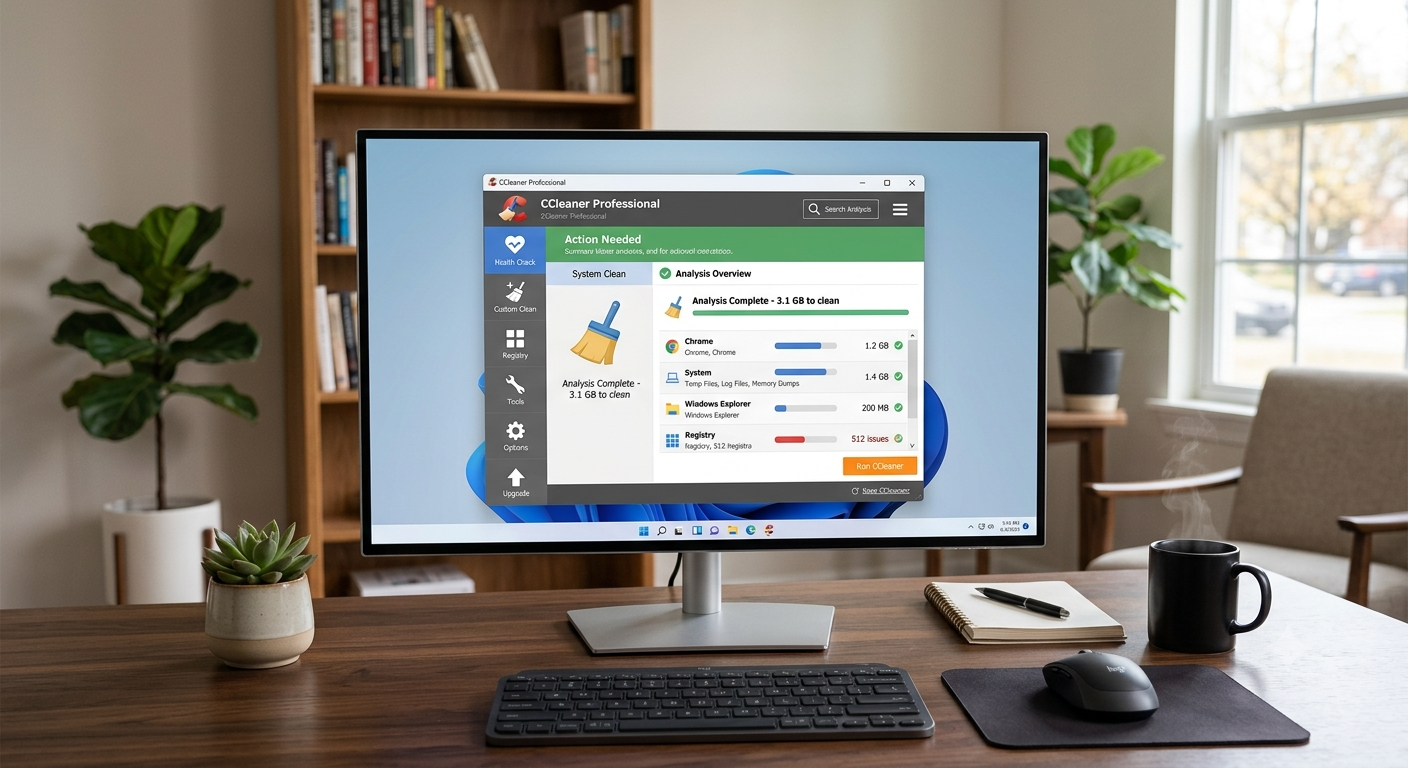
System optimization utilities act as orchestrators between application layers, operating system storage, and low-level kernel drivers. At its core, CCleaner operates as a targeted storage reclamation and privacy management engine designed to analyze disk volumes, identify transient artifacts, and optimize system startup routines.
Understanding its mechanics requires analyzing its internal scanning engine, registry index management, browser artifact purging, and automated service routines.
                       ┌─────────────────────────────────┐
                       │  CCleaner Scanning & Execution   │
                       └────────────────┬────────────────┘
                                        │
        ┌───────────────────────────────┼───────────────────────────────┐
        ▼                               ▼                               ▼
┌───────────────┐               ┌───────────────┐               ┌───────────────┐
│ Storage Engine│               │ Registry Engine│              │  Process Control│
└───────┬───────┘               └───────┬───────┘               └───────┬───────┘
        │                               │                               │
 ┌──────┴──────┐                 ┌──────┴──────┐                 ┌──────┴──────┐
 │ • Temp Files│                 │ • Orphans   │                 │ • Startup   │
 │ • App Caches│                 │ • ActiveX   │                 │ • Background│
 │ • Web Logs  │                 │ • File Exts │                 │ • Services  │
 └─────────────┘                 └─────────────┘                 └─────────────┘
1. Automated File System and Storage Reclamation
As an operating system executes tasks, it continuously reads and writes temporary data—such as application caches, system diagnostic logs, crash dumps, and update leftovers. Over time, unindexed cache files clutter physical storage, leading to drive fragmentation on standard hard drives or unnecessary write cycles on Solid State Drives (SSDs).
                      Physical Disk Volume
┌─────────────────────────────────────────────────────────────┐
│ [ Active OS Files ]  [ Application Data ]  [ Orphaned Cache ]│
└──────────────────────────────────────────────┬──────────────┘
                                               │
                                      CCleaner Analysis
                                               │
                                               ▼
                                  ┌─────────────────────────┐
                                  │ Direct File Unlinking   │
                                  │ & Secure Sector Erasure │
                                  └─────────────────────────┘
Key Subsystems:
- Temporary File Purging: Scans
\AppData\Local\Temp, system\Windows\Temp, and memory dump locations to release orphaned allocation blocks. - Application Cache Ingestion: Targets third-party application caches (e.g., media streaming local caches, office software log files, archive software temporary extractions) using regularly updated definition files.
- Cloud & External Volume Cleaning: Modern variants extend scanning protocols to unlinked web cache layers and cloud sync metadata folders (e.g., Google Drive or Microsoft OneDrive sync cache), identifying duplicate or unindexed local staging files.
2. Windows Registry Indexing and Maintenance
The Windows Registry acts as a centralized hierarchical database containing runtime config parameters for kernel components, device drivers, and third-party software. When programs are uninstalled, residual dynamic-link library (DLL) entries, missing file references, and broken file association keys often remain.
┌─────────────────────────────────────────────────────────────┐
│                 Windows Registry Hive (HKEY)                │
└──────────────────────────────┬──────────────────────────────┘
                               │
                      Scan & Cross-Reference
                               │
                               ▼
┌─────────────────────────────────────────────────────────────┐
│         Validation: File Path / Extension Check             │
└──────────────────────────────┬──────────────────────────────┘
                               │
                 ┌─────────────┴─────────────┐
                 │                           │
          [ Invalid / Missing ]       [ Valid Entry ]
                 │                           │
                 ▼                           ▼
        Marked for Purge                  Retained
Mechanics of Registry Maintenance:
- Missing Shared DLLs & Unused Extensions: Verifies whether registered paths exist on the file system; entries pointing to non-existent binaries are flagged for unlinking.
- Application Paths & Help File Verification: Scans application execution paths inside
HKLM\SoftwareandHKCU\Softwarehives to clear broken execution hooks. - Safety Protocols: Before writing changes to the registry hive, the engine generates an
.regbackup file, allowing atomic restoration if a system path dependency is violated.
3. Web Artifact Removal and Privacy Hardening
Web browsers store local state data—including persistent session cookies, IndexedDB structures, cache files, and DOM storage—to speed up web interactions. However, these artifacts leave visible footprints for tracker services and occupy significant storage space.
                       Browser Execution State
┌─────────────────────────────────────────────────────────────┐
│  Active Session Data (Cookies, Cache, DOM Storage, Logs)    │
└──────────────────────────────┬──────────────────────────────┘
                               │
                    CCleaner Cookie Engine
                               │
         ┌─────────────────────┴─────────────────────┐
         ▼                                           ▼
┌───────────────────┐                       ┌───────────────────┐
│ White-Listed Keys │                       │ Non-Whitelisted   │
│ (Active Auth Tokens)                      │ Trackers & Caches │
└────────┬──────────┘                       └────────┬──────────┘
         │                                           │
      Retained                                    Purged
Browser Cleaning Operations:
- Session and History Sanitization: Erases global browser history logs, download records, and predictive search auto-complete entries across Chromium, Gecko, and WebKit-based engines.
- Intelligent Cookie Management: Distinguishes between persistent authentication tokens (e.g., login session tokens) and third-party tracking cookies. Users can whitelist essential web service tokens while purging tracking scripts.
- Cache and Blob Removal: Clears temporary cached media files, script bundles, and site-specific web app caches, preventing long-term disk clutter.
4. Resource Allocation and Background Task Control
System startup delays and runtime performance degradation frequently stem from an overload of autorun applications, active background services, and outdated device drivers.
                     System Startup Process
┌─────────────────────────────────────────────────────────────┐
│        Windows Boot Sequence & Service Host Execution       │
└──────────────────────────────┬──────────────────────────────┘
                               │
               Startup Manager Engine Filter
                               │
         ┌─────────────────────┴─────────────────────┐
         ▼                                           ▼
┌───────────────────┐                       ┌───────────────────┐
│ Essential Core    │                       │ Non-Essential     │
│ OS Processes      │                       │ Background Services│
└────────┬──────────┘                       └────────┬──────────┘
         │                                           │
      Executing                                Disabled/Suspended
System Tuning Capabilities:
- Startup Manager: Interfaces directly with system registry autorun keys (
Run,RunOnce), Scheduled Tasks, and System Services to selectively disable or delay startup launches. - Performance Optimizer (App Hibernation): Detects background applications consuming CPU cycles and RAM when inactive. It freezes their execution threads, restoring system resources until the user manually launches the application.
- Driver and Software Updater: Scans installed software and hardware device driver definitions against remote binary repositories to apply security patches and performance improvements automatically.
Feature Overview: Free vs. Professional Configurations
| Feature Capability | Technical Scope / Mechanism | CCleaner Free | CCleaner Pro / Pro Plus |
| Standard Cleaning | Purges standard system temp files, browser caches, and trash items | Yes | Yes |
| Registry Analyzer | Scans and fixes broken references and orphan keys in the registry hive | Yes | Yes |
| Performance Optimizer | Suspends inactive background apps to free up system memory and CPU cycles | No | Yes |
| Driver Updater | Identifies out-of-date system hardware drivers and applies updates | No | Yes |
| Software Updater | Monitors installed applications for software patches and security updates | Manual scan only | Automated |
| Scheduled Maintenance | Runs automated background cleaning jobs based on custom triggers | No | Yes |
| Extended Utility Suite | Includes Recuva (file recovery) and Speccy (hardware diagnostic tool) | No | Pro Plus Only |
Summary of Technical Impact
Maintaining optimal operating system performance requires balancing disk space, process execution queues, and registry configuration integrity. By using targeted file unlinking, selective cookie retention, and intelligent process thread management, tools like CCleaner give users granular control over their system’s operating environment.
Also Read: Understanding Tutanota (Tuta): The Vanguard of Secure, Private Communication – My Tech Blaze
Source: CCleaner – Wikipedia